Remigo

Home

❯

02_Service steps

❯

Interface and Battery

❯

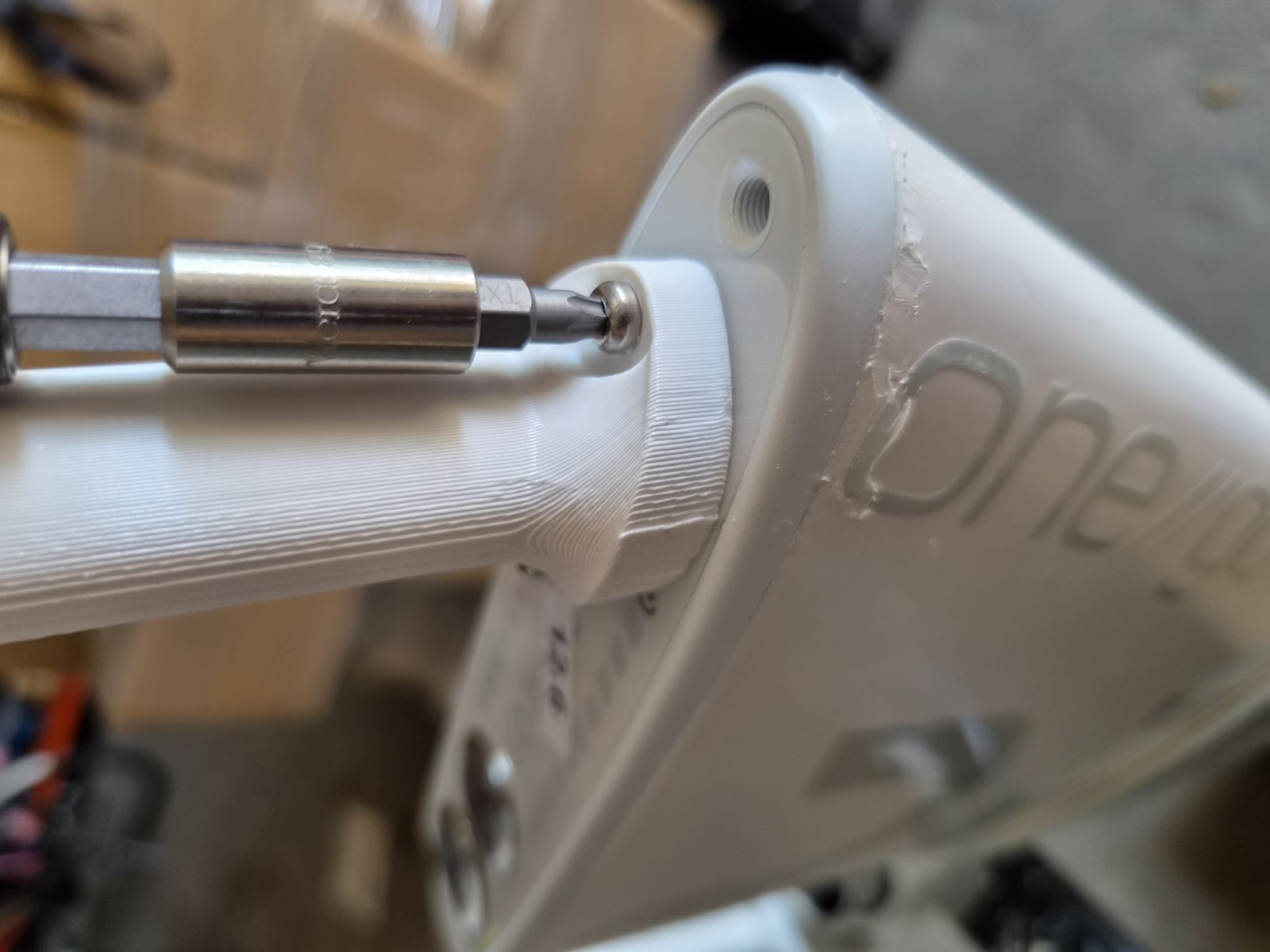
IB-DIS-003 DISASSEMBLY STEP 3 - Screw in interface removal tool

IB-DIS-003 DISASSEMBLY STEP 3 - Screw in interface removal tool

Tools:

  • Interface Removal Tool Go & DE2 ALU (900040008)

Removing parts:

  • No parts removed in this step.

Procedure:

  1. Screw the interface removal tool (900040006) into the mounting holes next to the charging connector socket.
Graph View

Backlinks

  • RemigoOne Go&DE2 Interface and Battery Service Manual
  • Check and replace battery signal cable (superseded)
  • Check and replace button harness (superseded)
  • Check and replace motor power cable
  • Check and replace motor signal cable
  • Replace battery
  • Replace interface
  • Update BMS
  • Update interface (superseded)