Tools:
- No tools required.
Installing parts:
Procedure:
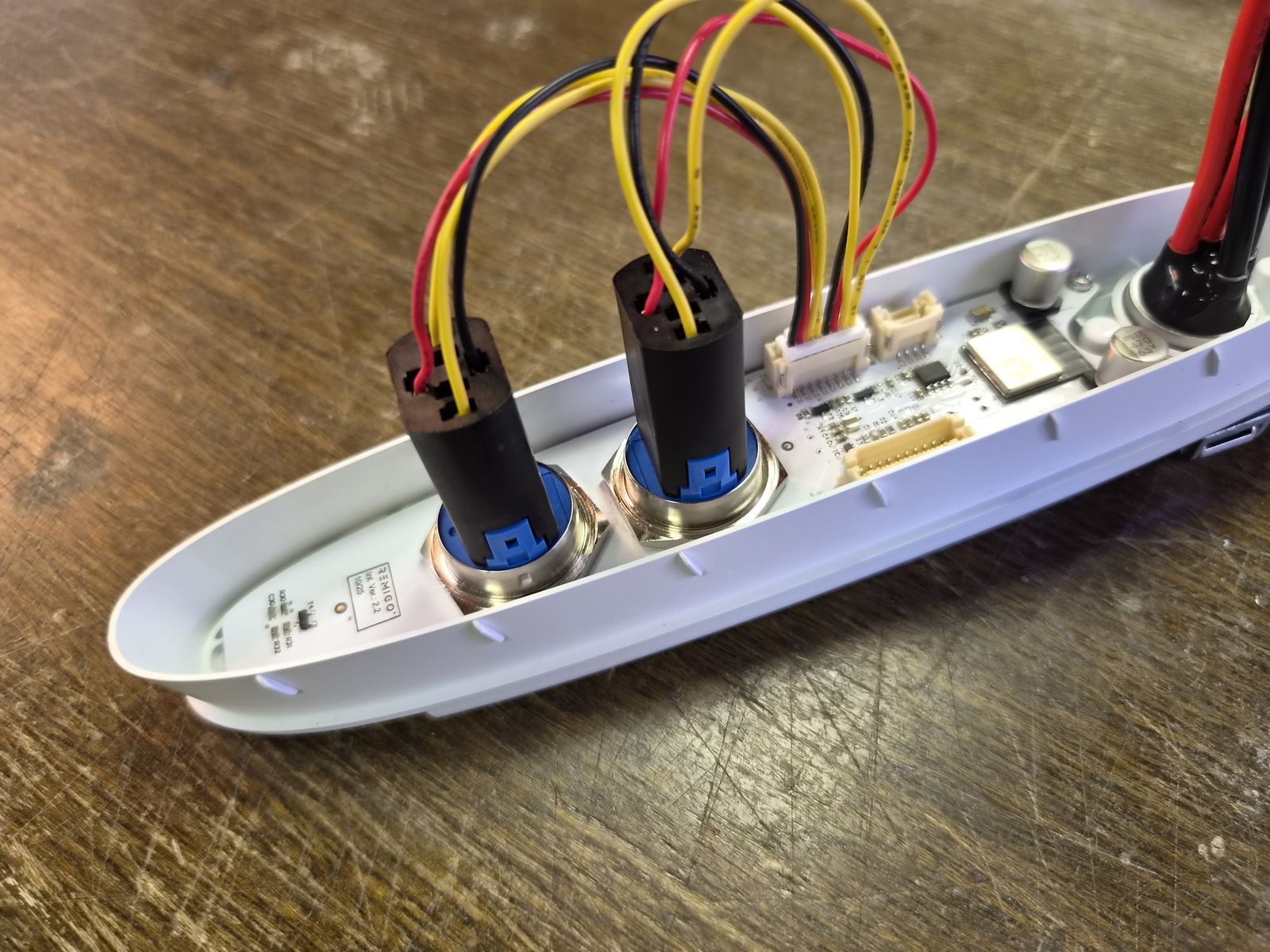
- Connect the button cable to each button connector.
- Connect the other end of the button cable to the PCBA.
TODO
Confirm whether the Cable Communication, Interface - Battery 10 pin, Neo+ & DE2 (705010009) is connected to the PCBA during this step or later during motor assembly.